
The Rounds extension
Great hires start with the profile you’re already reading.
Capture the LinkedIn profile on your screen into your Rounds CRM, score the candidate against your open roles, and send them forward — only when you approve.
Free · Chrome & Firefox · Every profile verified by Rounds
- Light-touch — it only needs the page’s address
- Every profile checked and verified by Rounds
- Nothing is sent without your approval
See it work
Don’t take our word for it. Click it.
Three steps between “interesting profile” and “candidate in the pipeline.” Take them one at a time — or just click around inside. The demo really responds.
It knows who you’re looking at.
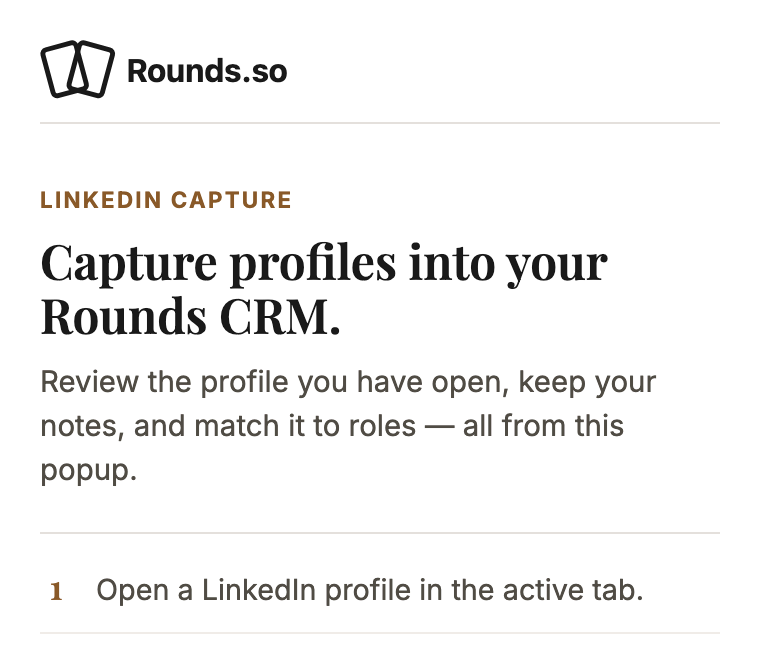
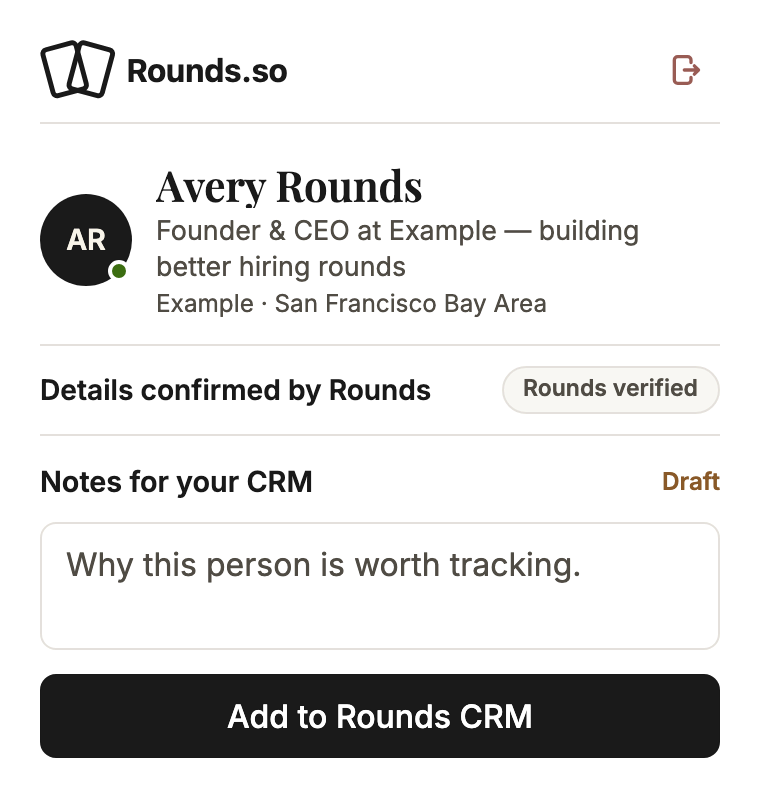
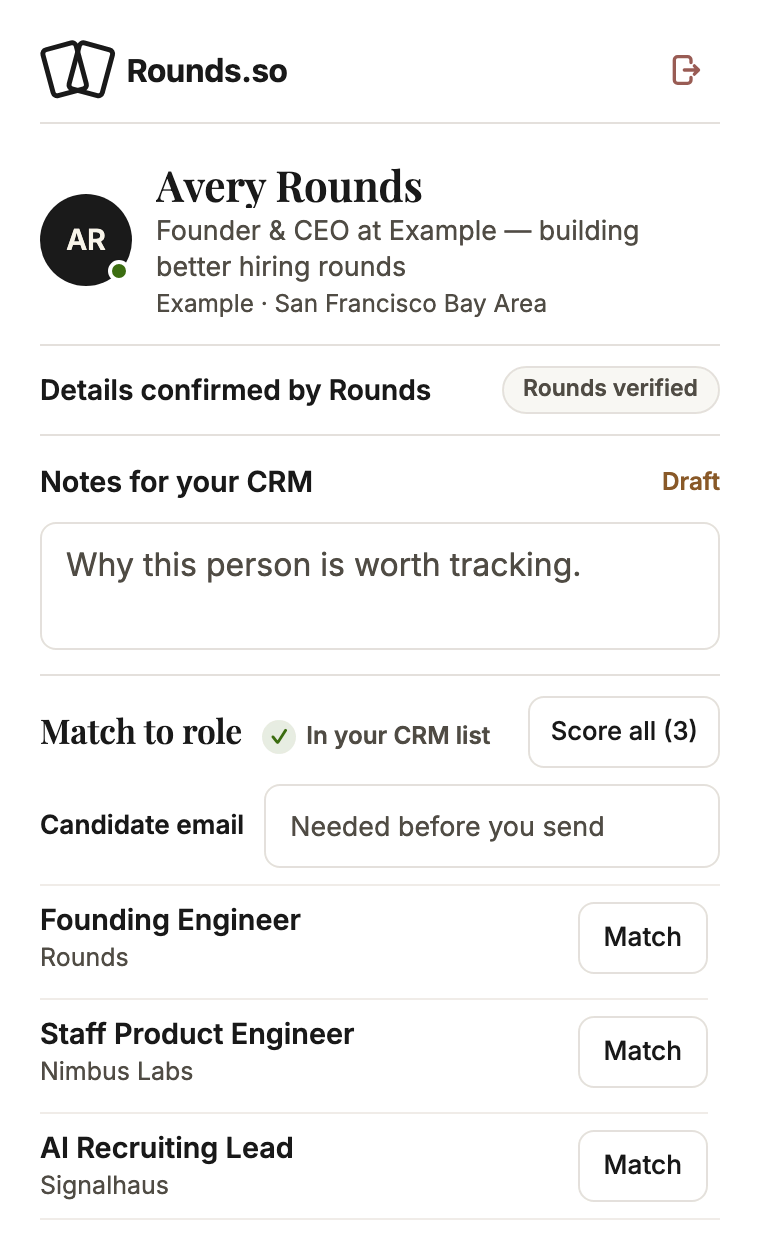
Open a LinkedIn profile and the popup greets you with the person already spotted — details filled in and verified by Rounds before you touch a thing.
Try it — click “Add to Rounds CRM.”
Shrunk to fit this screen — it’s roomier on a desktop, but every click still works.
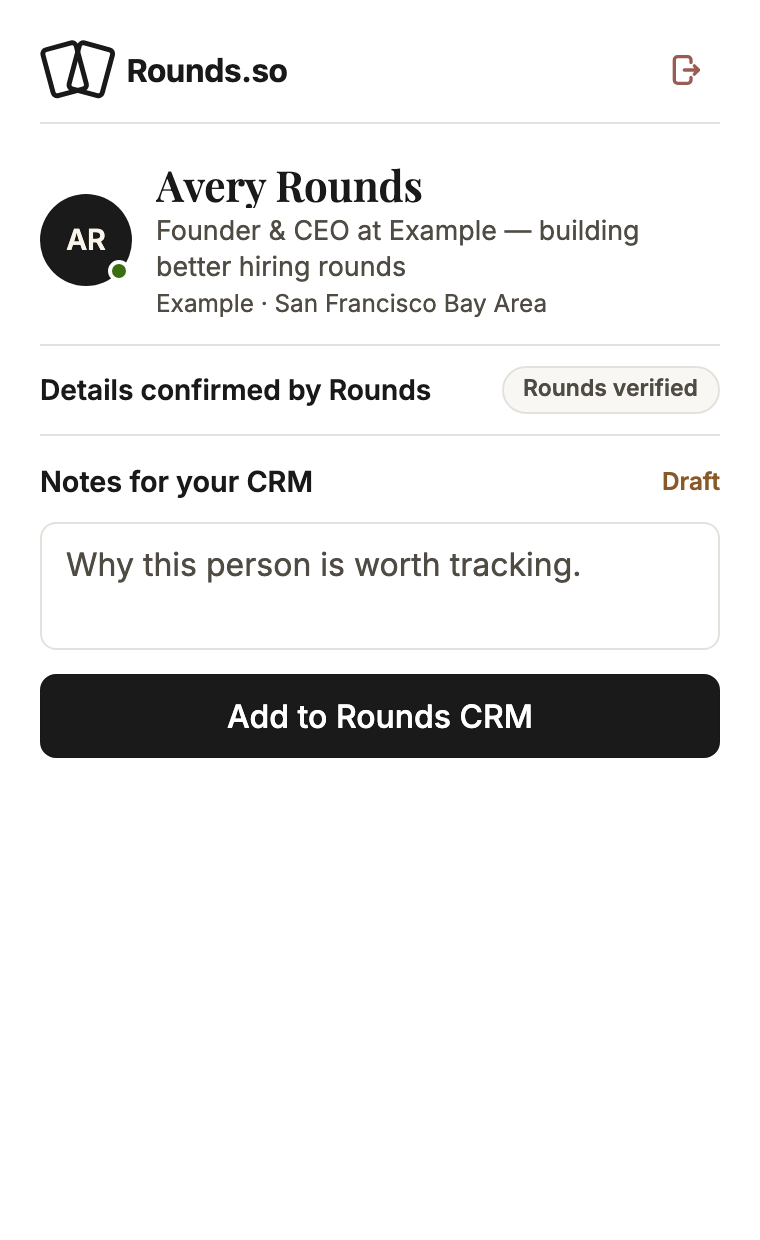
This is the real popup, running right here on sample data — not a video, not a mockup.
Watch it work
Watch the whole thing, start to send.
A guided run through the real thing: pin it and sign in once, open a profile, capture with your own note, score every open role, and send when you say so.
Narrated — sound on. Every word is written on screen too, so it plays fine muted.
Why recruiters keep it pinned
Built like the product, not like an add-on.
A small window that does serious work. The popup is a front door to the same Rounds your team already works in.
Verified by Rounds
Candidate details you can stand behind.
Headline, company, location — Rounds fills in the details and marks them verified. What lands in your CRM list is the same record your whole team sees in the dashboard.
Scores with reasoning
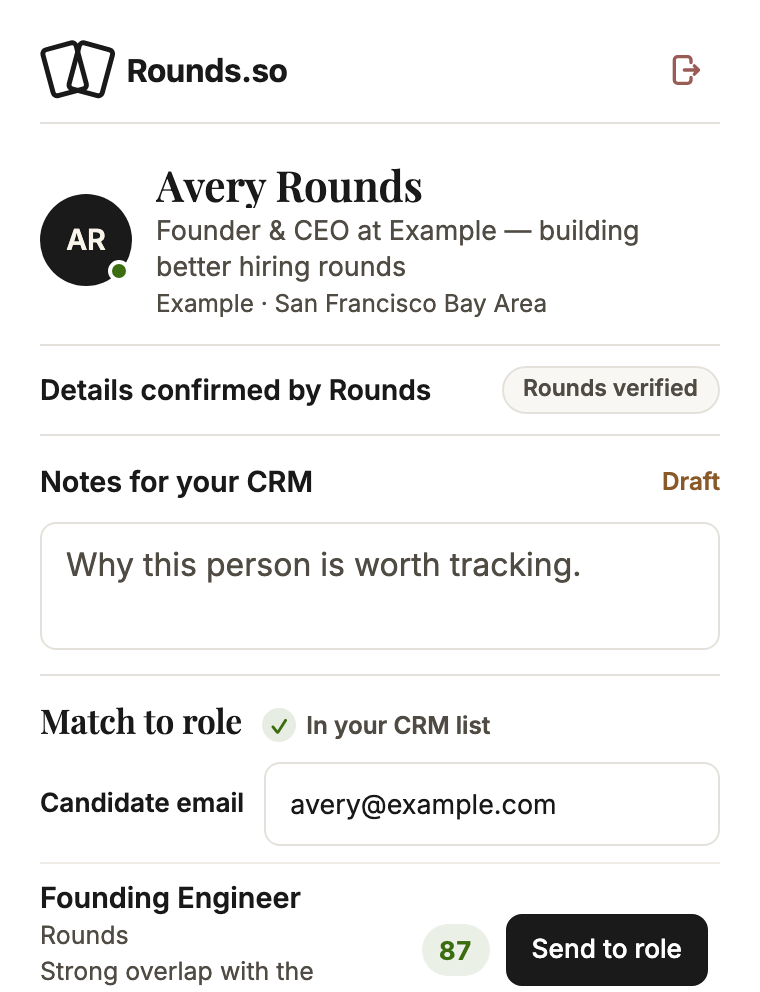
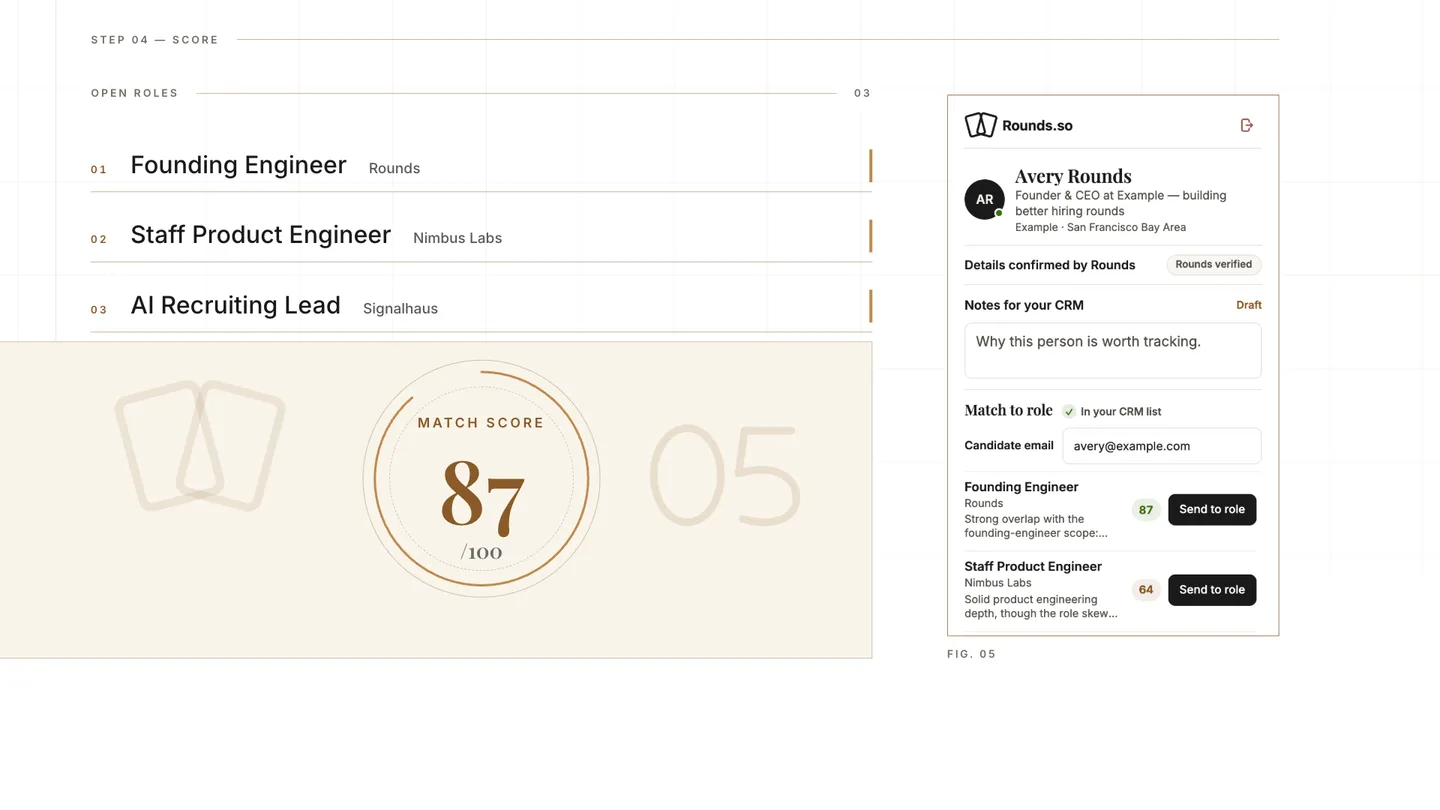
Every match comes back with a 0–100 score and the reasoning written out in plain language. Strong, promising, or weak — you see why before you act.
Strong match“Strong overlap with the founding-engineer scope: shipped AI hiring workflows end to end.”
Instant open
The popup opens already loaded — no spinners between you and the candidate.
A light touch
Rounds spots the profile from the page’s address — that’s all it ever needs.
Nothing sends itself.
A candidate enters a role’s pipeline only when you click send — and no one can end up there twice.
Your notes ride along.
One click captures the candidate into your CRM list — and the note you jot down travels with them.
Chrome and Firefox
One extension for Chrome and Firefox, with the same calm, compact popup in both — from the official stores.
Questions, answered
The fine print, out loud.
Where do the candidate details come from?
From Rounds itself. The extension only needs the web address of the profile you’re viewing — Rounds fills in the rest: headline, company, location, each checked and marked verified. What lands in your CRM list is the same record your whole team sees in the dashboard.
Which browsers does it support?
Chrome and Firefox, from their official stores — the same compact popup, the same verified profiles, and the same calm design in both.
Can a candidate be sent to a role by accident?
No. Scoring never moves anyone, and a candidate enters a role’s pipeline only when you click send. Even a double-click can’t send the same person twice.
Do I need a Rounds account?
Yes — the extension is the browser front door to your Rounds recruiter workspace. Sign in once with Google or email and you stay signed in, so tomorrow the popup opens straight to work.
Get the extension
Your next round starts in the browser.
Install the extension, open a profile, and capture your first candidate before your coffee cools.
Free to install · Chrome & Firefox · Works with your Rounds recruiter account